Apple iPhone 16 Pro vs PS5: Why Gamers Still Need Both in 2026
Is the iPhone 16 Pro vs PS5 a real comparison? On paper they are a pocket-sized phone and a living-room console, so they should not compete. In practice, many people ask whether a high-end phone can replace a console for gaming, and the honest answer is that they do different jobs very well. This guide looks at iPhone 16 Pro gaming, how PS5 Remote Play on iPhone works, how to use a DualSense on iPhone, and why mobile gaming vs console gaming is less of a rivalry than a partnership for most gamers in 2026.
BestBuyGadgett lists the Apple iPhone 16 Pro and the iPhone 16 Pro Max in the Apple products category, alongside the PS5 Slim Digital Edition. Newer iPhone generations may also appear in the catalogue, so compare what is currently available. Prices and stock change; check the live pages.
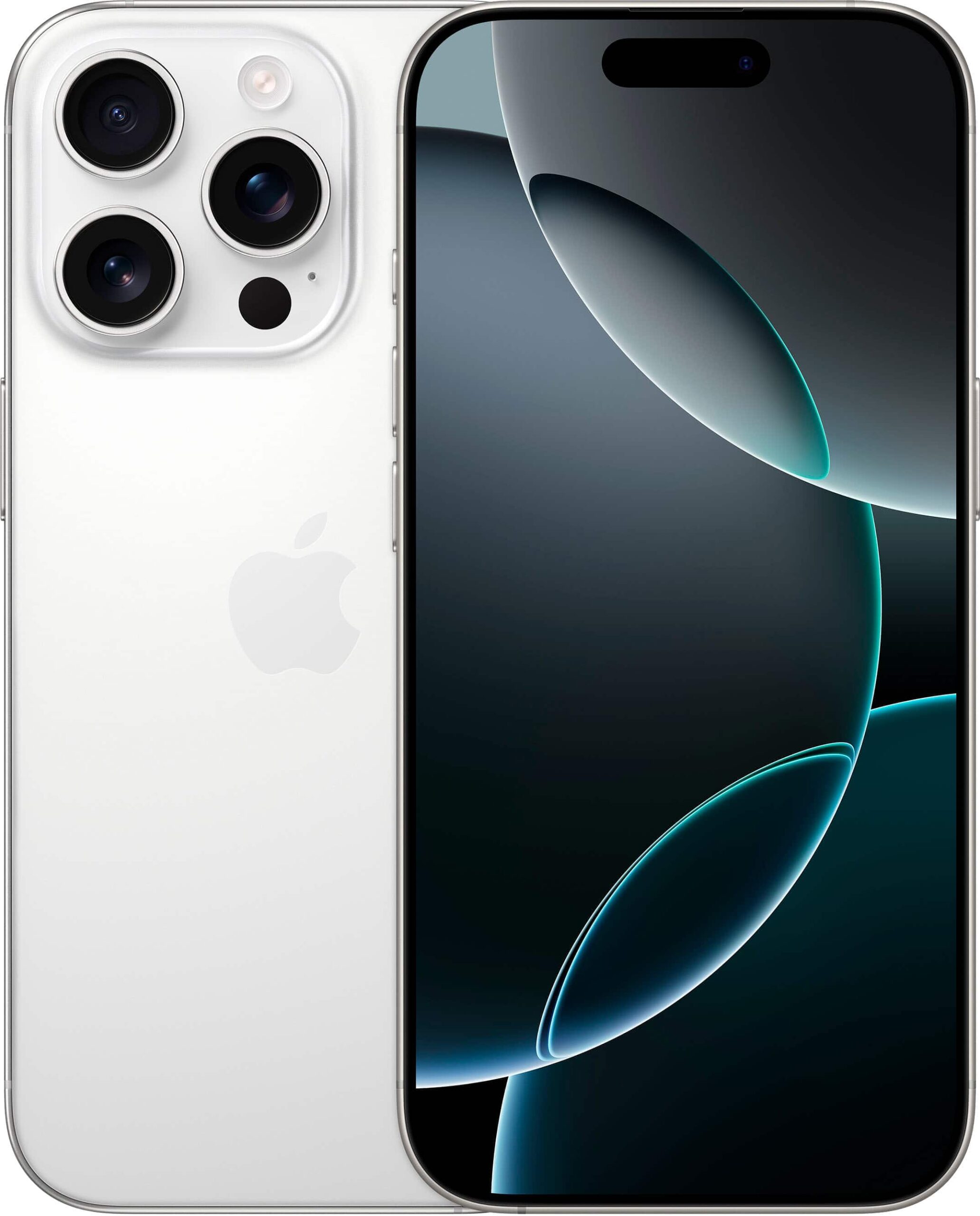
Table of Contents
iPhone 16 Pro vs PS5: Quick Answer
- Yes, if you want the best of both worlds: an iPhone for quick sessions, mobile games, streaming and remote play, and a PS5 for large, high-fidelity games on a big screen.
- Only a phone is fine if you play casually and never want console-scale games.
- Only a console is fine if you rarely game on the move and already own a capable phone.
What Each Device Does Best
| Category | iPhone 16 Pro | PS5 |
|---|---|---|
| Portability | Always with you | Fixed to a TV or monitor |
| Game types | Mobile titles, Apple Arcade, cloud and remote play | Large console games and exclusives |
| Controls | Touch, or a paired controller | DualSense with haptics and adaptive triggers |
| Display | High-quality OLED screen, small | Depends on your TV or monitor |
| Everything else | Camera, communication, apps | Streaming, media and games |
iPhone 16 Pro Gaming: What It Can Do
The iPhone 16 Pro is a premium phone with a fast chip, a high-refresh display and enough power to run demanding mobile games. Apple has encouraged developers to bring more complex titles to iPhone, and some well-known console and PC games have appeared in mobile versions. Mobile games range from quick puzzle and strategy titles to detailed action games. A touchscreen is great for some genres and awkward for others, which is why many players pair a controller. A phone’s battery and thermals limit long, high-intensity sessions, so expect performance to be managed during extended play.
If you are curious about the Pro Max, its larger display can make touch controls easier, though it is heavier to hold. Compare the two on the product pages and decide based on hand size and budget.
PS5 Remote Play on iPhone
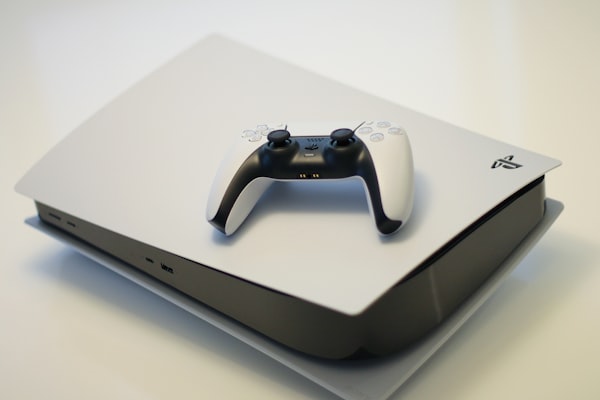
PlayStation’s Remote Play feature streams games from your PS5 to a compatible device over the internet. With the PS Remote Play app on an iPhone, you can play your console games when you are away from the TV, as long as your PS5 is on or in rest mode and your connection is good. This is a legitimate way to use both devices together and one of the best reasons to own both.
How to get the best Remote Play experience
- Update the console and the app, and enable Remote Play in the PS5 settings.
- Connect the PS5 to your router with a cable if you can.
- Use a strong Wi-Fi connection on the iPhone, ideally on a 5 GHz network.
- Pair a DualSense controller with the iPhone for proper controls.
- Be realistic: fast-paced competitive games can feel less responsive than on the console itself.
Using a DualSense on iPhone
iOS supports Bluetooth game controllers, including the DualSense. To pair, put the controller in pairing mode by holding the PS and Create buttons until the light bar flashes, then select it in the iPhone’s Bluetooth settings. Some features, such as haptics, work differently on a phone than on the console. Several clip-on holders are available if you want to mount the iPhone to the controller; check compatibility with your phone model before buying. Our controllers category lists pads, and the accessories guide covers more extras.
Mobile Gaming vs Console Gaming: Which Wins?
Neither wins; they serve different moments. A phone suits queue time, travel and quick sessions. A console suits long sessions, social play and big games. Think of them as complementary. If you are choosing a console, see best gaming console 2026. If you are considering AirPods to go with your phone and console, read our guide to the best AirPods for gaming.
Battery, Heat and Long Gaming Sessions on a Phone
Gaming is one of the most demanding things you can do on a phone. The processor works hard, the screen runs at high brightness and the radios stay active. As a result, the phone warms up and the battery drains faster than in everyday use. Modern phones manage heat by lowering performance when needed, so frame rates may dip in long sessions. You can help by taking the phone out of a thick case, reducing brightness slightly, avoiding gaming while charging in a hot environment and closing background apps. Treat a phone as a great device for sessions of an hour or less, and use a console for marathon play.
A console, by contrast, is designed for sustained load with a proper cooling system and a constant power supply. It does not run out of charge, and it keeps performance steady. That difference is one of the strongest arguments for owning both: you get convenience from the phone and consistency from the console.
Screen size and comfort
Even the largest phone screen is small compared with a TV, so detail-heavy games feel different. Fast-paced games with small on-screen indicators can be tiring on a phone. A paired controller reduces finger coverage of the screen and improves precision. If you play often on mobile, a controller clip or a tablet may improve comfort.
Building an Apple and PlayStation Ecosystem
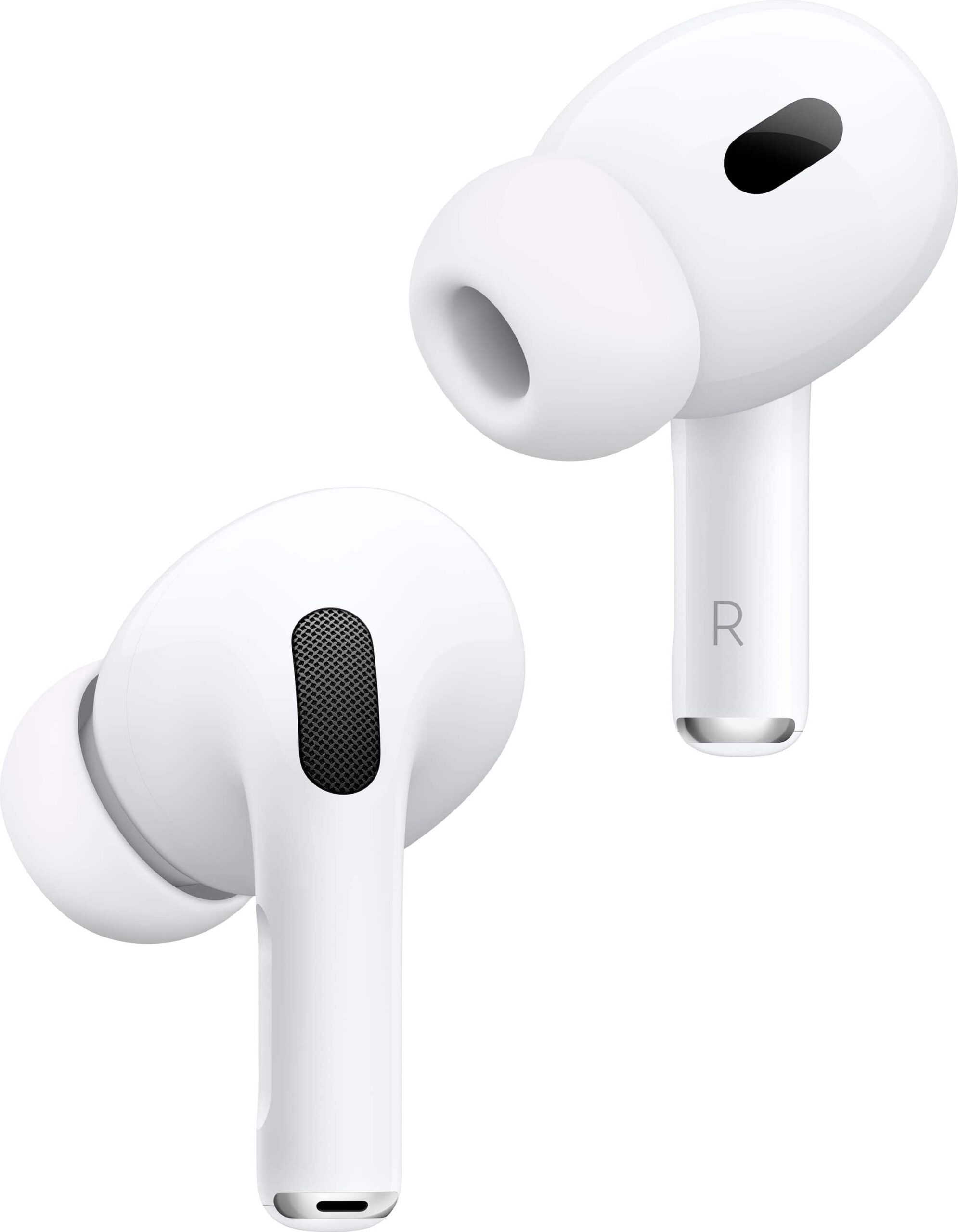
Many households use Apple devices alongside a PlayStation. The PS App on iPhone lets you manage your account, chat with friends, buy games and start downloads on your console remotely. Notifications keep you informed about friend activity and sales. AirPods can serve as a convenient listening option on the phone, while a wired or wireless gaming headset handles the console, because the PS5 does not generally use Bluetooth audio. Our AirPods Pro 2 listing is relevant for phone and travel use, and the gaming headsets category covers console-focused options.
If you also use a Mac for work or content creation, see our guide to the MacBook Pro M4 for content creators who also game. The combination of a Mac for work, an iPhone for everyday life and a PS5 for play suits many modern homes. Whatever you choose, remember that availability and pricing can change and that the store’s shipping policy states worldwide shipping, free standard shipping on orders over $250, and possible customs charges on international parcels.
Game Genres That Suit Each Device
Different genres suit different devices. Puzzle, strategy, card and rhythm games shine on a phone because they use short sessions and simple input. Story-heavy, visually rich games and competitive online shooters are better on a console with a big screen and a proper controller. Role-playing games and sports titles work on both, with mobile versions that are streamlined for touch. Choosing the right device for the genre makes a bigger difference than the raw power of either machine.
- Best on iPhone: quick sessions, puzzles, card games, narrative games with simple controls.
- Best on PS5: action-adventure, racing, big sports titles and detailed open worlds.
- Works on both: many role-playing and strategy games.
How Remote Play Changes the Equation
Remote Play makes the iPhone an extension of the PS5. If you have a stable home network, you can continue a console game in bed or the kitchen without taking over the television. Away from home, play is possible with a strong connection, but latency rises with distance and congestion. For single-player games, this is often fine. For fast reflex games, the console itself remains the better option. Remote Play also works on iPad and Mac, which makes the combination of Apple devices and a PlayStation unusually flexible. Our guide to MacBook Pro M4 for content creators who game covers the Mac side.
Setting up Remote Play step by step
- On the PS5, enable Remote Play in the settings and set rest mode to stay connected to the network.
- Install the PS Remote Play app on the iPhone and sign in with the same account.
- Connect the phone to your home Wi-Fi first and test.
- Pair a DualSense for better control.
- Adjust the video quality in the app to suit your connection.
Which iPhone Should a Gamer Buy?
If gaming is a priority, choose a model with a fast processor, a bright high-refresh display and plenty of storage. The iPhone 16 Pro and Pro Max both fit that description, and the main differences are size, battery capacity and price. A larger phone has more screen space for touch controls but is heavier to hold with a controller clip. Because storage cannot be expanded, buy more than you think you need if you plan to install large games. Newer iPhone generations may also be available in the Apple products category, so compare the current options and prices before deciding.
Whichever phone you pick, use a good case that does not trap heat, keep iOS updated, and consider a charger with enough power for fast top-ups between sessions. If you are also buying a console, remember the shipping policy: worldwide shipping, free standard shipping over $250 and possible customs fees. Combining a phone, a console and accessories in one order is convenient, but confirm the delivery terms for each item at checkout.
A Realistic Buying Plan
If you already own an iPhone, your next gaming purchase should usually be a controller or a console, not a new phone. If you are upgrading your phone anyway, the Pro models are great for gaming. If you are buying a PS5, add a headset and storage, and use Remote Play to extend its value. Spread purchases over time, and check current listings for prices and availability.
For official information, see Apple’s official website, and always verify details with the manufacturer before you buy.
In short: when it comes to iphone 16 pro vs ps5, compare the total cost, read the store policies and confirm every detail before you pay. A careful approach to iphone 16 pro vs ps5 saves money and avoids unpleasant surprises.
Frequently Asked Questions
Can an iPhone replace a PS5?
For casual gaming, perhaps. For large console games and exclusives, no.
Can I play PS5 games on my iPhone?
You can stream them with Remote Play if you own a PS5.
Does a DualSense work with iPhone?
Yes, via Bluetooth, though some features differ.
Is the iPhone 16 Pro good for gaming?
It is a capable gaming phone, with limits on sustained heavy sessions.
Should I buy the Pro or Pro Max?
The Pro Max has a larger screen; choose based on size and budget.
Final Verdict
Own both if you can. Use the iPhone for flexible, on-the-go play and the PS5 for the big stuff. Browse the Apple products and gaming consoles and build the combination that suits you.